
Firstly, yes, the title is a shameless attempt at SEO shenanigans.
Secondly, here are some neat tricks (a few I've just learned about and prompted my writing this post) to improve your Netflix watching experience.
After logging into your account try some of these tips:
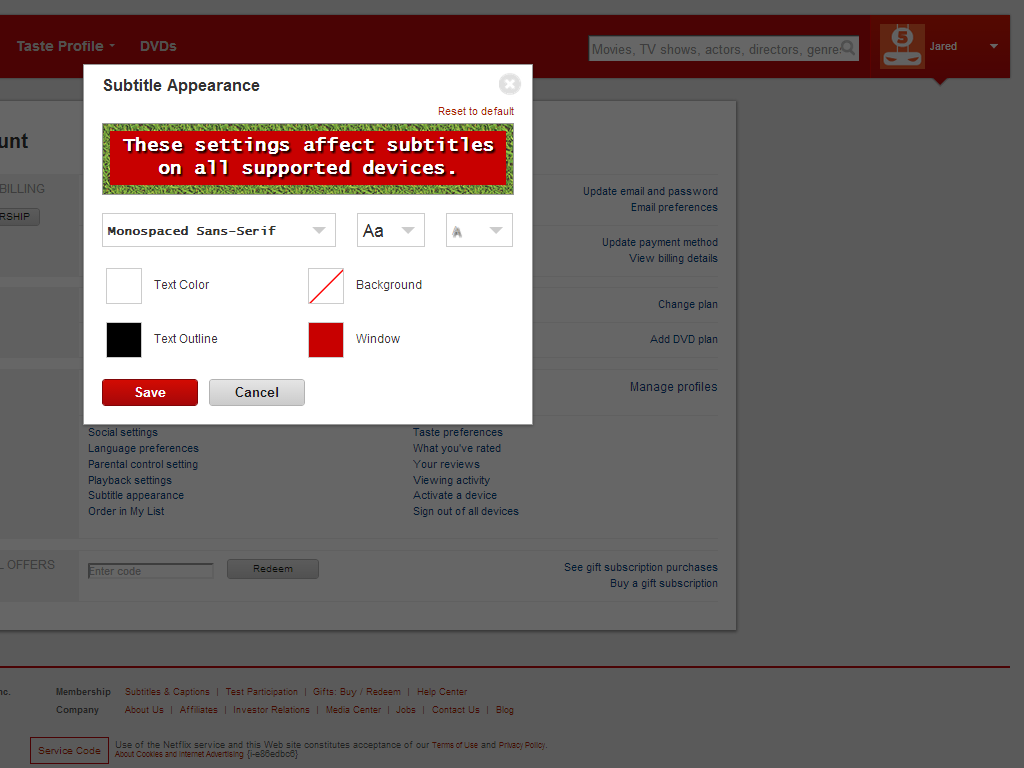
Example 1
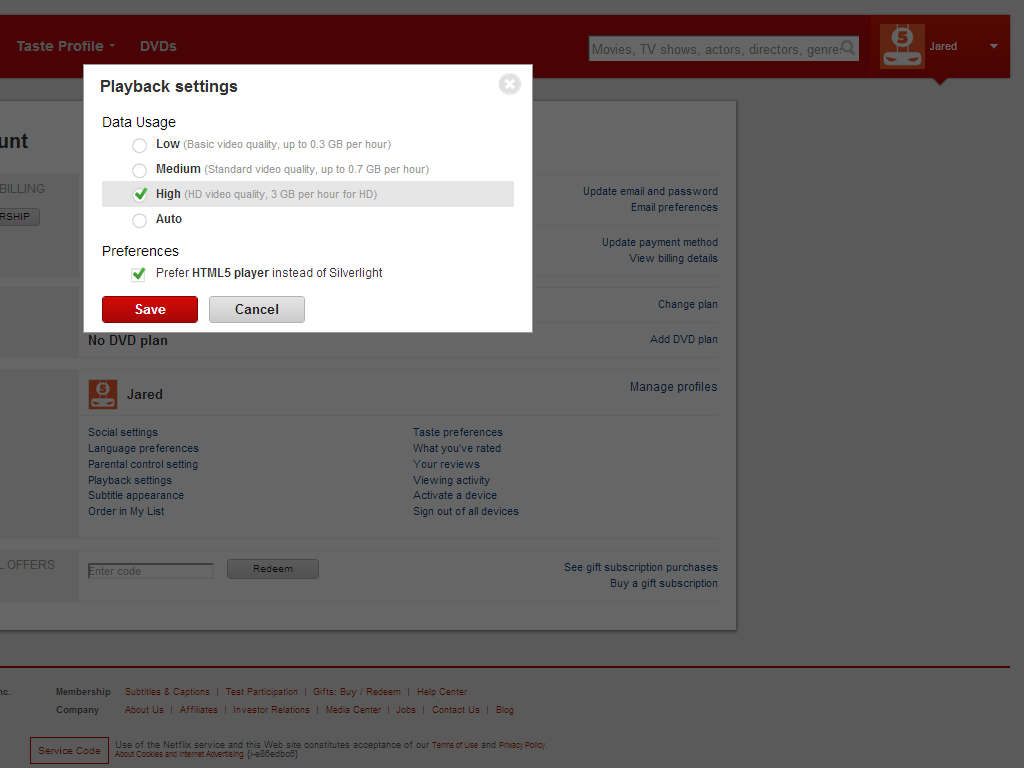
Example 2.2
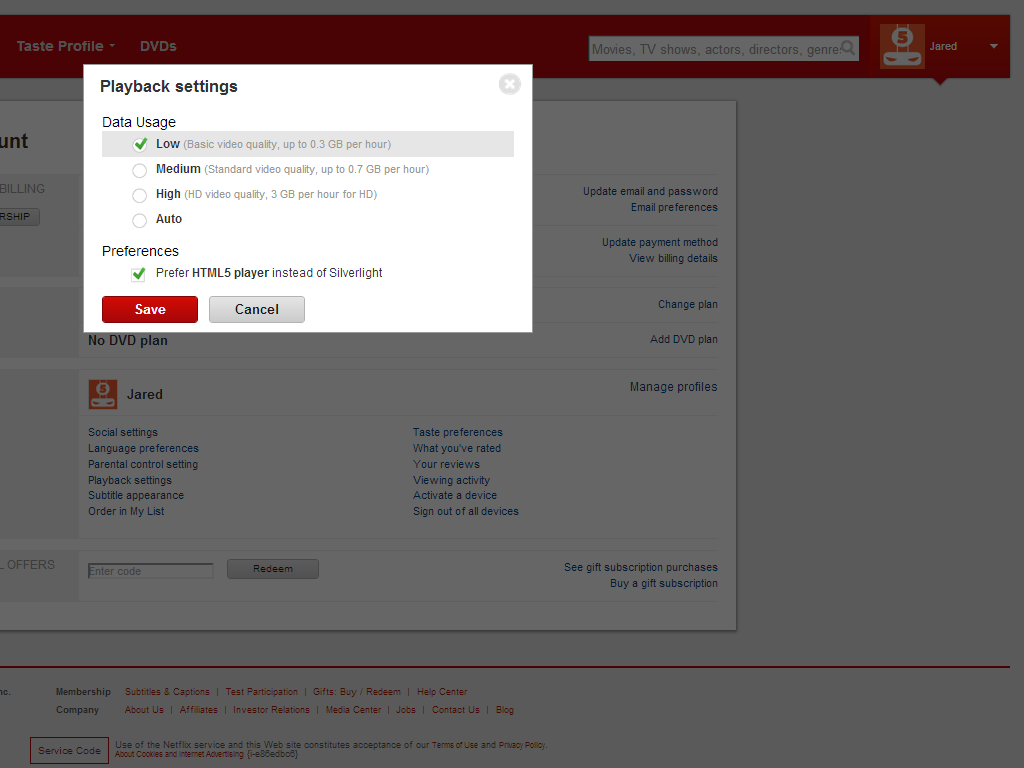
Example 2.1
- Adjust the closed caption font/color to suite your taste (this takes effect immediately and on every* device).
- You can adjust the maximum allowed streaming quality.
- Let's say you live in the middle of nowhere and only have satellite internet (with an average data cap of 20Gb/month). You can set your account to only play at "Basic video quality."
- Or if your ISP is having issues displaying Netfix in HD in "Auto", even if bandwidth is available (I'm in this scenerio); you can manually select "High."
- You can also enable the option to use an HTML5 player (doesn't require a plug-in to watch) instead of Microsoft Silverlight.
- (Seen in the "Playback Settings" pop-up window)
- If you have more than one person using your account, you should really take a look at creating a Netflix profile for each person. This give each user a separate "Queue" now called "My List."
- This will not allow more simultaneous streams (2 per account on the default $7.99/month account).
- For help in setting these up check this page from Netflix.